


This FaceForm review looks at an AI tool that transforms videos by replacing faces: upload a photo, choose a video, click generate, and the person in the video becomes a different character while keeping the original voice and expressions. It can also create talking avatars and mascots. It’s impressive technology, and it comes with serious responsibilities. Here’s what it does and how to use it safely.
Disclosure: this review contains an affiliate link. If you buy through it I may earn a commission at no extra cost to you.
FaceForm Review: Quick Summary
| What it is | AI face transformation, face swap and talking avatar software |
| Steps | Upload a photo, choose a video, generate |
| Best for | Mascots, avatars, character content and creative marketing |
| Big caution | Consent, deepfake rules and copyright |
Key Features
- Video transformation: replace a face in a video with a new face or character.
- Talking avatars: generate avatars that speak your script with lip-sync.
- Face swap in videos and images.
- Mascots and characters that move, talk or sing.
Watch the Demo
Use It Responsibly
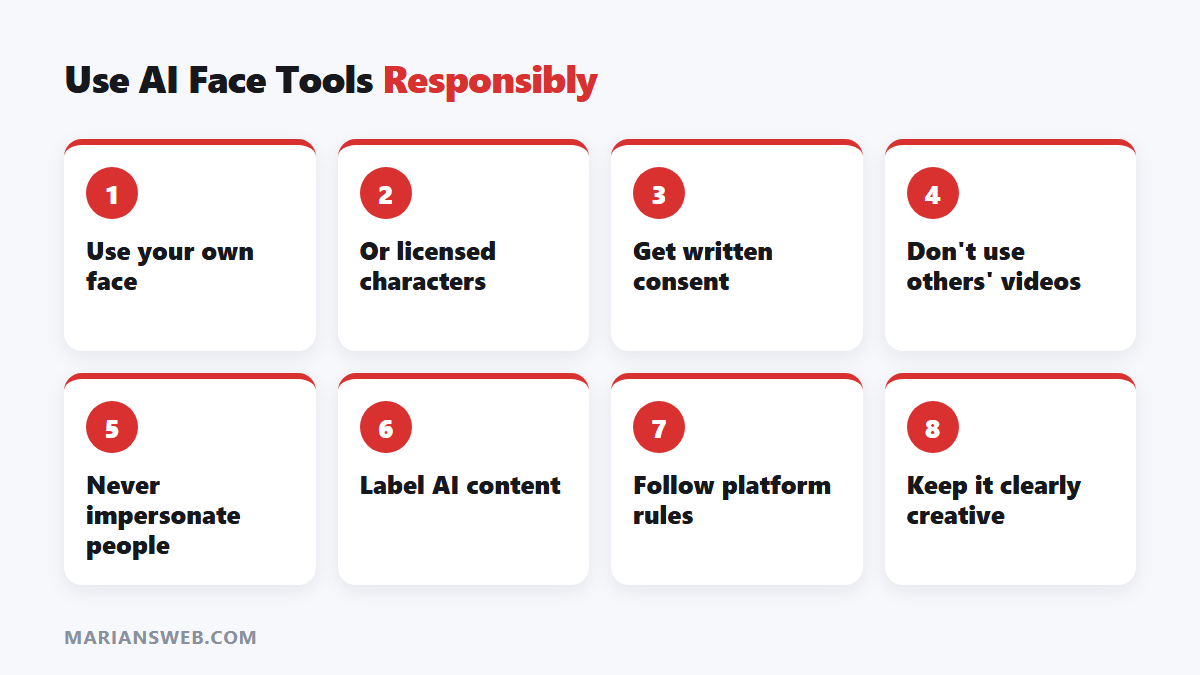
Face-swapping technology can easily be misused. Before you publish anything:
- Only use faces you have rights to: your own, licensed characters, or people who gave written consent.
- Don’t use other people’s videos without permission. “Any video from the internet” is usually copyrighted; see posting other people’s content safely.
- Never impersonate real people or create misleading content about them. Many countries now have laws against deceptive deepfakes.
- Label AI content: YouTube, TikTok and Meta require disclosure of realistic synthetic media.
Good Uses
- A brand mascot that presents your videos
- A talking avatar for faceless channels, based on your own photo
- Animated characters for kids’ stories or explainers
- Fun, clearly fictional creative content
For more faceless video options, see AI-powered video creation.
Pros
- Simple three-step process
- Keeps original voice and expressions
- Useful for mascots and avatars
Cons
- Easy to misuse; legal risks if used without consent
- Platforms may restrict or label synthetic media
- Quality depends on the source video and photo
- Check upgrades and pricing before buying
FaceForm Review: FAQ
Is face swapping legal?
It depends on consent, use and local law. Using your own face or licensed characters is safest.
Can I monetize FaceForm videos?
Only if you own the rights to the source material and follow platform rules on synthetic media.
See FaceForm and current pricing →