


AWeber vs GetResponse is one of the most common comparisons for anyone choosing an email marketing tool. Both are long-established, reliable platforms. I use both for different lists, and each has clear strengths. AWeber is simple and focused on email; GetResponse adds advanced automation, webinars and funnels. Here’s how they compare so you can pick the right one.
Quick Overview
| AWeber | GetResponse | |
|---|---|---|
| Founded | 1998 | 1997 |
| Best for | Small businesses and creators who want simple, reliable email | Marketers who want automation, funnels and webinars |
| Ease of use | Very beginner-friendly | More features, slightly steeper learning curve |
| Free plan | Has offered a free plan with limits | Has offered a free plan with limits |
| Standout features | Simple editor, templates, landing pages | Visual automation builder, webinars, funnels |
Plans and limits change; check each provider’s pricing page for current details.
1. Features
AWeber
- Drag-and-drop email editor and templates
- Automated sequences for welcomes and follow-ups
- Landing pages and sign-up forms
- List segmentation and tagging
GetResponse
- Advanced visual automation workflows
- Webinar hosting (on suitable plans)
- Conversion funnels and landing pages
- Built-in CRM features and ecommerce tools
2. Ease of Use
AWeber is the easier start: clean menus and straightforward setup. GetResponse packs more in, so it takes a little longer to learn, but its automation builder is visual and logical once you’re familiar with it.
3. Pricing
Both price mainly by number of subscribers and plan level. AWeber’s plans are simpler; GetResponse’s higher tiers bundle extras like webinars and advanced automation. For small lists, both are affordable. Compare the current pricing pages directly, since plans change often.
4. Automation
GetResponse wins for complex automation: conditions, scoring and multi-step workflows based on behaviour. AWeber covers the essentials (welcome series, tag-based sequences) well, which is enough for many creators.
5. Deliverability
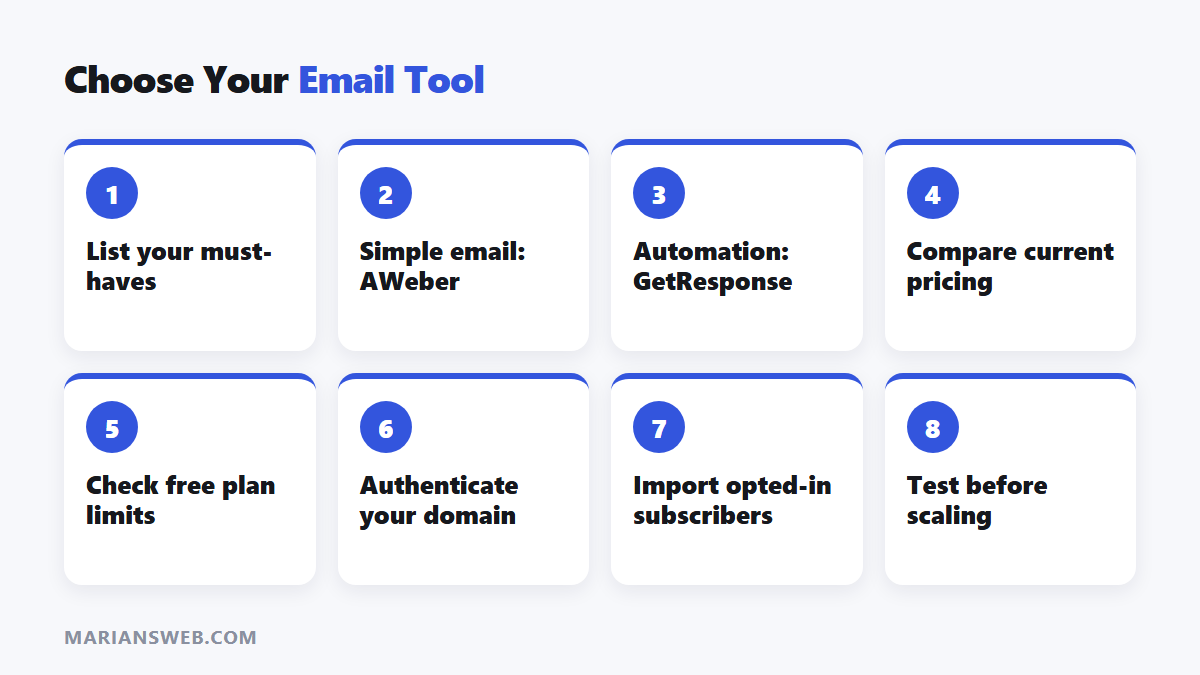
Both have strong reputations. Your own practices matter most: authenticate your domain (see DKIM and DMARC explained), only email opted-in subscribers and keep your list clean.
6. Support and Integrations
Both offer help centres and support, and both connect with popular tools like WordPress, page builders, ecommerce platforms and Zapier.
Which Should You Choose?
- Choose AWeber if you want simple, dependable email and newsletters without complexity.
- Choose GetResponse if you want advanced automation, webinars or funnels in one tool.
- Want everything free to start? LeadsLeap includes an autoresponder plus capture pages and tracking; see my LeadsLeap review and my free guide The $0 Funnel.
AWeber vs GetResponse: FAQ
Which is better for beginners?
AWeber, for its simplicity.
Which is better for affiliate marketers?
Both work. Check each provider’s acceptable use policy for affiliate links, and focus on sending valuable emails to opted-in subscribers.
Can I switch later?
Yes. You can export subscribers and import them, though automations must be rebuilt.